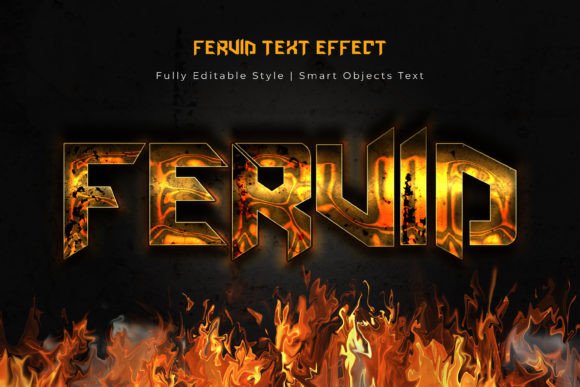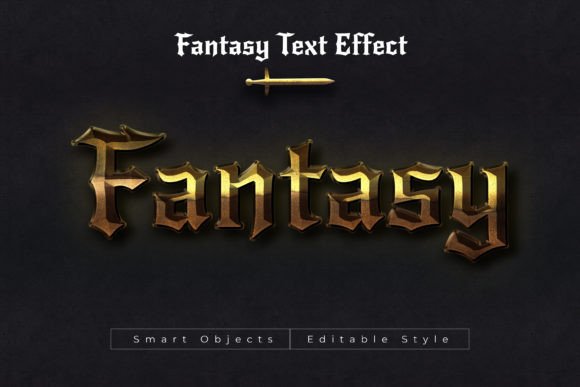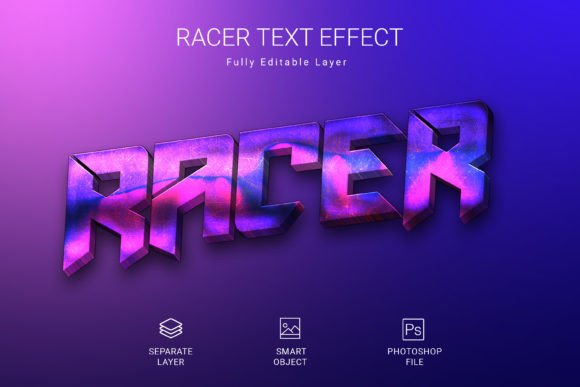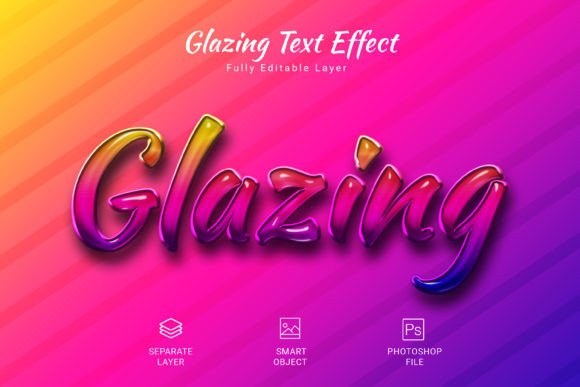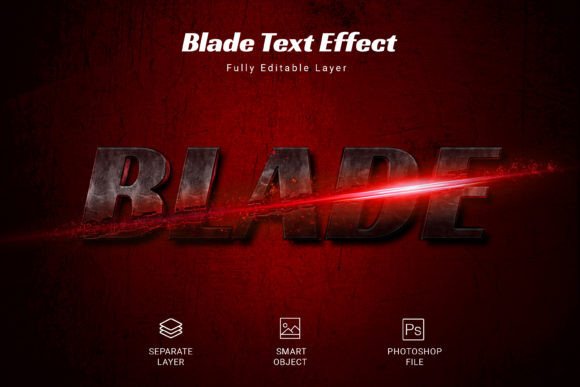
Blade PSD Text Style Effect Mockup
Elevate your typography in seconds with the Blade PSD Text Style Effect Mockup. This design asset offers a swift and effortless way to apply a striking, high-quality blade-like texture and depth to your text, shapes, or vector logos. Simply swap your design into one of the smart objects, click save, and watch your text transform into a professional, polished visual.
This mockup is more than just a filter; it's a tool for creating impactful brand identity elements. The effect is particularly well-suited for projects that demand a bold, modern, or slightly edgy aesthetic. Think of dynamic poster designs, eye-catching social media graphics, standout packaging, or even memorable merchandise like t-shirts and posters. The versatility of this PSD file makes it a valuable addition to any designer's toolkit of creative fonts and design assets.
Key Features and Specifications
The Blade PSD Text Style Effect Mockup is built for quality and ease of use. Its features ensure a seamless integration into your workflow:
- High-Quality Resolution: The file is designed at 3000×2000 pixels in 300 DPI, ensuring your final output is crisp and suitable for both digital and print projects.
- Fully Editable Layers: As a PSD file, it offers complete control. You can adjust colors, shadows, and textures to perfectly match your project's color palette and mood.
- Smart Object Workflow: The core of its efficiency. This feature allows for non-destructive editing, meaning you can experiment freely without permanently altering your original text or logo.
- RGB Color Mode: Optimized for digital screens, making it perfect for web design, social media graphics, and digital presentations.
Practical Applications for Your Projects
Understanding where this text effect shines can help you maximize its potential. It’s an excellent choice for a variety of design scenarios:
- Logo and Brand Marks: Create a distinctive logo mark that needs a textured, dimensional feel. It can help a brand stand out in a crowded market.
- Editorial and Poster Design: Use it for headlines in magazines, book covers, or event posters where the title needs to grab immediate attention.
- Social Media Content: Design standout graphics for Instagram stories, YouTube thumbnails, or promotional banners that stop the scroll.
- Packaging and Merchandise: Apply the effect to product names or slogans on packaging, apparel, or accessories for a premium, tactile look.
Tips for Choosing and Using Text Effects
When incorporating any text style effect into your design process, a few considerations will ensure the best results. First, always prioritize readability. A beautiful effect is useless if the text cannot be easily read at a glance. Test it at different sizes to ensure clarity.
Second, match the mood. The blade effect conveys a specific tone—sharp, modern, and powerful. Ensure this aligns with the overall message and audience of your project. It might be perfect for a tech startup or a fitness brand but less so for a children's boutique.
Finally, consider font pairing. A complex text effect like this often works best when paired with a simple, clean sans-serif or serif font for body text. This creates a balanced hierarchy and prevents visual overload. Always check the license of the mockup to confirm it fits your intended commercial use.
The right typography and text treatment can significantly enhance visual consistency and brand recognition. Choosing a well-crafted asset like the Blade PSD Text Style Effect Mockup is an investment in your project's professional presentation, helping you communicate your message with greater impact and style.