Eroona - Google Slide Template: Design with Impact
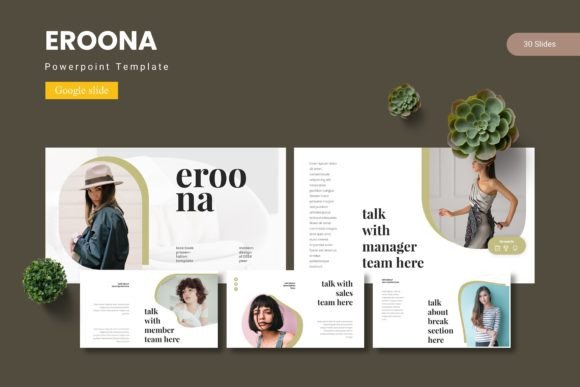
Creating a presentation that truly captivates your audience often comes down to the right template. The Eroona - Google Slide Template is designed to provide that strong visual foundation, offering a comprehensive suite of tools to turn your ideas into polished, professional slideshows. It’s more than just a set of pre-made layouts; it’s a flexible design system built for clarity and impact.
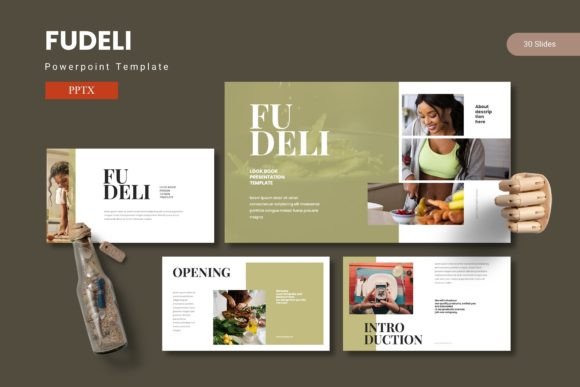
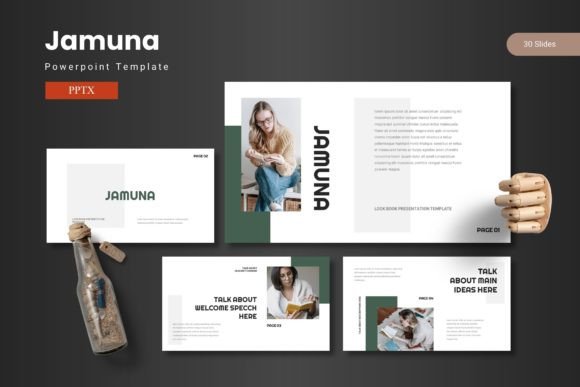
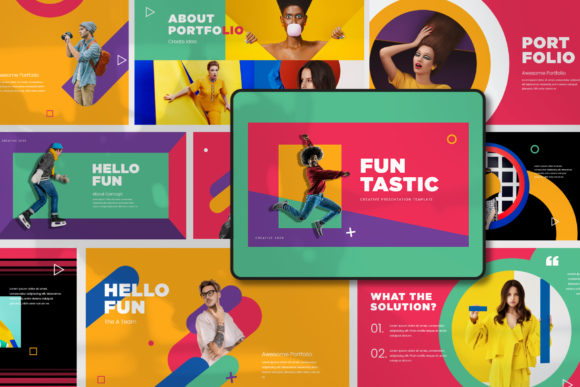
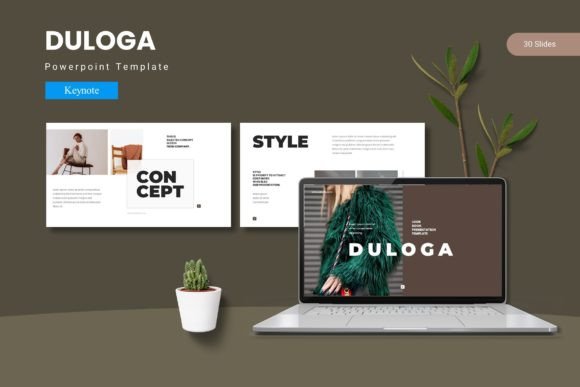
With over 150 total slides across five premade color schemes, Eroona provides immense variety for any project. Each of the five templates contains 30 meticulously crafted slides, ensuring you have dedicated layouts for introductions, data visualization, team showcases, and conclusions. This structure eliminates the tedious process of building slides from scratch, allowing you to focus entirely on your message.
Key Features for Creative Freedom
What makes this template stand out are its design-centric features. The handcrafted infographics and pixel-perfect illustrations are not generic clipart; they are unique assets that can be resized and edited to fit your specific needs. The inclusion of section break slides helps organize complex information into digestible chapters, improving audience flow and comprehension.
- Master Slides: Ensures consistent formatting and saves time when making global changes.
- Picture Placeholder: The drag-and-drop functionality makes inserting your own images seamless and quick.
- Gallery and Portfolio Slides: Perfect for creatives, photographers, or agencies needing to showcase work visually.
- 5 Color Variations: Easily match your brand identity or desired mood without manual color adjustments.
Practical Applications and Use Cases
This template is a versatile design asset suited for a wide range of scenarios. Entrepreneurs can use it to craft compelling pitch decks, while marketers can develop clear campaign reports. Educators will find the clean layouts ideal for lesson plans, and designers can leverage the portfolio slides to present their work to clients. The cohesive visual language helps in building brand recognition and maintaining a professional appearance across all communications.
When selecting a template like Eroona, consider the overall tone of your project. Its modern, clean typography and structured layouts work well for corporate, educational, and creative briefs alike. Always test how your own content—text, images, and data—fits within the placeholder frameworks. The best template is one that enhances your content without overwhelming it, and Eroona’s balanced design aims to do just that.
Maximizing Your Template Investment
To get the most out of any Google Slides template, a few practical tips can help. First, explore the master slides to understand the design system fully. Second, customize the color scheme to align with your brand’s palette for instant consistency. Third, use the provided infographic elements to simplify complex data; visual storytelling is far more engaging than bullet-point lists.
Remember, a great template acts as a silent partner in your presentation. It provides the structure, but your content provides the substance. By choosing a well-engineered asset like the Eroona - Google Slide Template, you equip yourself with a tool that elevates your professional image, streamlines your workflow, and ultimately helps your ideas connect more effectively with your audience. It’s an investment in clearer communication and polished design.