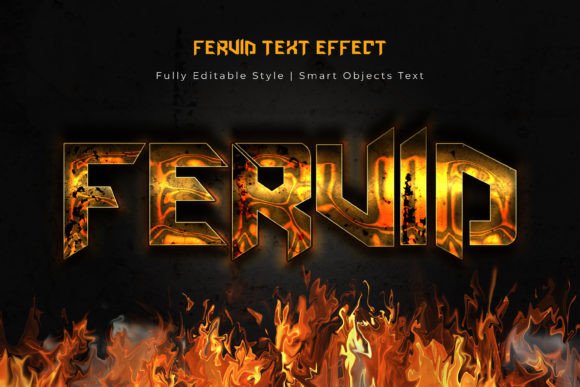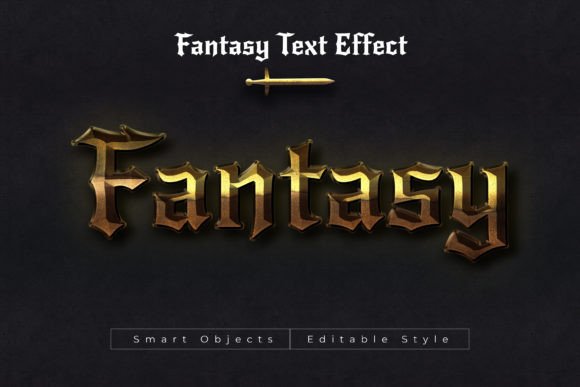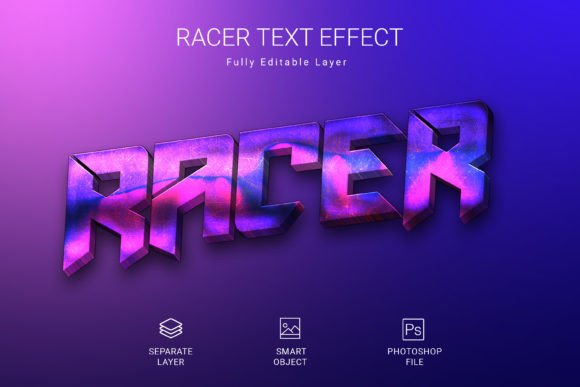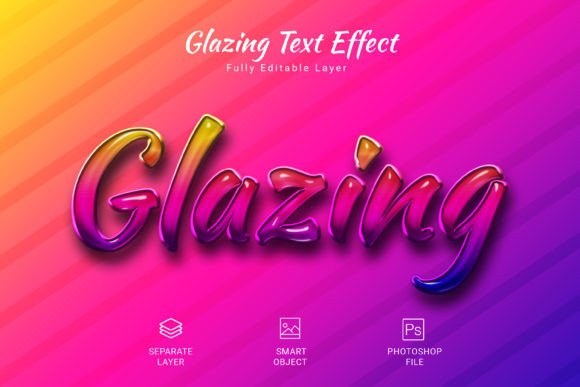
3D Glint Psd Text Style Effect Mockup
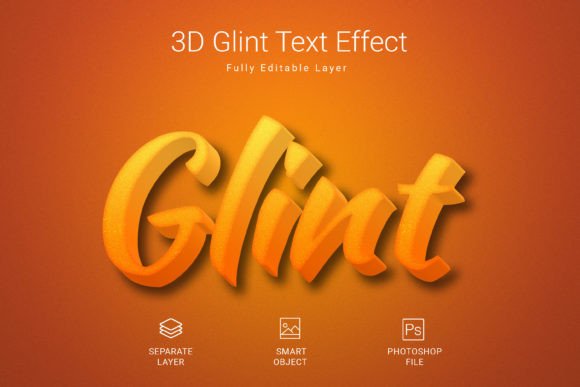
Capturing attention in a crowded digital space often starts with a single, striking visual element. For designers and creators looking to add instant depth and a professional sheen to their typography, the 3D Glint Psd Text Style Effect Mockup offers a powerful and efficient solution. This resource provides a swift and effortless way to apply a high-quality, dimensional style to any text, shape, or vector logo, transforming flat designs into eye-catching 3D compositions with just a few clicks.
At its core, this effect is a ready-to-use Photoshop file designed for maximum flexibility and impact. The workflow is streamlined: simply convert your text or graphic into a smart object within the PSD file, edit it, and save. The 3D glint effect is automatically applied, giving your work a polished, professional finish without the need for complex layer styling or advanced 3D software knowledge. It’s an ideal design asset for projects where time is of the essence but quality cannot be compromised.
Creative Applications and Use Cases
The versatility of a well-executed text effect mockup like this makes it suitable for a wide array of creative projects. Its dimensional quality and reflective glint can elevate designs across multiple domains:
- Brand Identity & Logo Design: Create memorable logos or brand marks that stand out with a tactile, modern feel. The effect is perfect for tech startups, gaming brands, or any company seeking a contemporary edge.
- Poster & Packaging Design: Add a focal point to event posters, product packaging, or merchandise like t-shirts and mugs. The 3D quality makes titles and headlines pop off the surface.
- Social Media Graphics & Web Design: Develop scroll-stopping visuals for Instagram stories, YouTube thumbnails, or website hero sections. The high-resolution (3000×2000 pixels at 300 DPI) ensures clarity on any screen.
- Editorial Layouts & Digital Products: Enhance magazine covers, e-book titles, or digital course graphics with a premium typographic treatment that conveys value and sophistication.
Tips for Effective Use and Selection
To ensure this style effect mockup integrates seamlessly into your project, consider a few practical tips. First, always check the readability of your chosen text against the effect’s complexity. While the glint adds flair, the core message must remain clear. The mood of the effect—modern, energetic, and slightly futuristic—should align with your project’s tone; it’s less suited for rustic or minimalist designs but shines in contexts that celebrate innovation and boldness.
Experiment with font pairings within your design. A clean sans-serif body text can provide a perfect counterbalance to the stylized 3D headline created with the mockup. Review the included features: the fully editable PSD format, RGB color mode for digital work, and the use of a free font are all significant advantages for both personal and commercial projects. Finally, always verify that the license allows for your intended use, whether it’s for client work or personal portfolios.
Selecting the right design assets is about more than just aesthetics; it’s about finding tools that enhance your workflow and elevate your output. A resource like the 3D Glint Psd Text Style Effect Mockup demonstrates how a single, high-quality element can provide consistent visual impact, strengthen brand recognition, and deliver a professional presentation that resonates with an audience. When your typography carries weight and polish, it doesn’t just convey words—it communicates quality and intention.