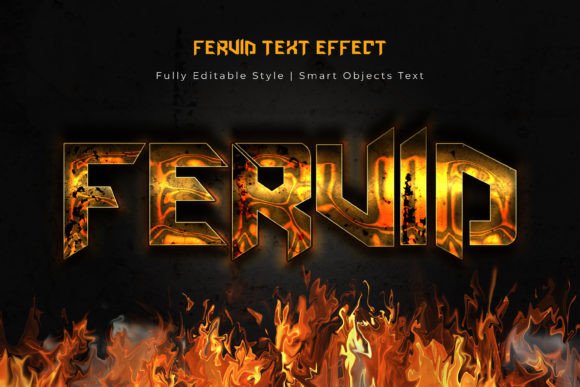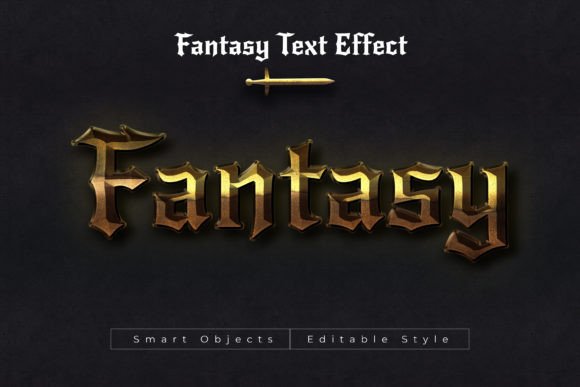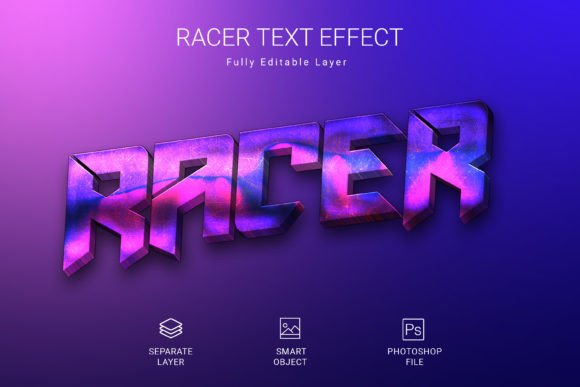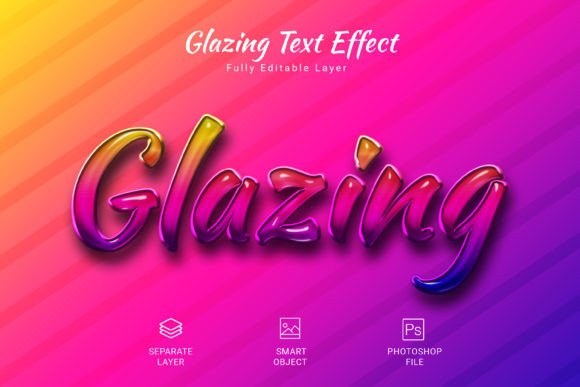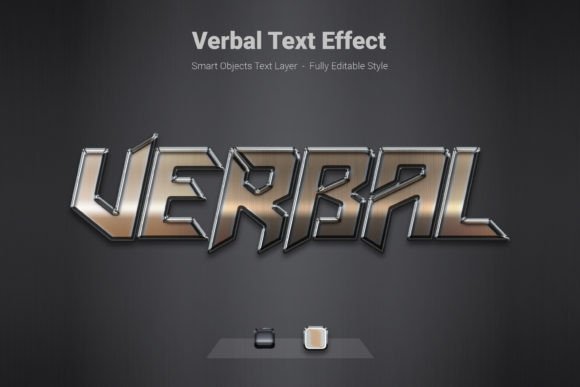
Verbal 3d Psd Text Style Effect Mockup
Transforming standard text into a compelling visual element is now simpler than ever with the Verbal 3d Psd Text Style Effect Mockup. This design asset provides a swift and effortless way to apply a high-quality, dimensional style to your text, shapes, or vector logos, making them stand out with depth and polish.
This text effect is more than just a filter; it's a versatile tool for enhancing your creative projects. By utilizing the included smart objects, you can instantly apply this premium 3D look to any typography or logo design. The process is designed for efficiency: simply click on the smart object, edit your text or shape, and save to see the professional effect applied immediately.
Key Features and Specifications
This PSD effect file is built for quality and flexibility, ensuring it integrates smoothly into your design workflow.
- High-Resolution Output: The file is designed at a generous 3000×2000 pixel size and 300 DPI, making it perfect for both digital and print use, from web banners to poster designs.
- Fully Editable & Layered: The PSD format allows for complete customization. You can tweak colors, shadows, and highlights to match your exact brand identity or project mood.
- Clean Design Foundation: It uses RGB color mode, ideal for screen-based projects, and includes a free font, so you can start creating without additional costs.
- Seamless Integration: The smart object feature means this effect works with any typeface you choose, whether it's a bold sans serif font, an elegant script font, or a classic serif font.
Practical Applications for Your Projects
Understanding where to use this effect can unlock new levels of creativity in your work. It's particularly effective for projects that need to grab attention quickly.
For branding and logo design, applying this 3D style can give your logomark a distinctive, modern edge that enhances brand recognition. In social media graphics, it helps create scroll-stopping visuals for posts, stories, and ads, ensuring your message is seen. It's also a fantastic choice for packaging design, adding a tactile, premium feel to product labels and boxes that appeals to consumers.
Beyond these, consider it for poster design, event invitations, editorial layouts, and merchandise graphics. The dimensional effect adds a layer of sophistication that can make any design look more polished and professional.
Tips for Effective Use
To get the most out of the Verbal 3d Psd Text Style Effect Mockup, keep these practical tips in mind:
- Match the Mood: Ensure the 3D effect aligns with your project's tone. It can feel modern and techy, or playful and bold, depending on the color palette and base font you pair it with.
- Prioritize Readability: While the effect is eye-catching, always test your final text for clarity, especially at smaller sizes or for longer headlines.
- Explore Font Pairings: Experiment with different base typefaces. A clean sans serif can look sleek, while a decorative display font can become even more dramatic.
- Check the License: As with any design asset, confirm the license allows for your intended use, whether for personal projects, client work, or commercial products.
Choosing the right text treatment is a crucial step in refining your visual communication. A well-executed style effect like this one can significantly improve the visual consistency and professional presentation of your designs, helping your work resonate more deeply with your audience. It's a valuable addition to any designer's toolkit of creative fonts and design assets.